 moshpit
Start a task without touching your working tree.
The sheet
Section titled “The sheet”The + on the AGENTS section of a herdr connection opens it. Four fields:
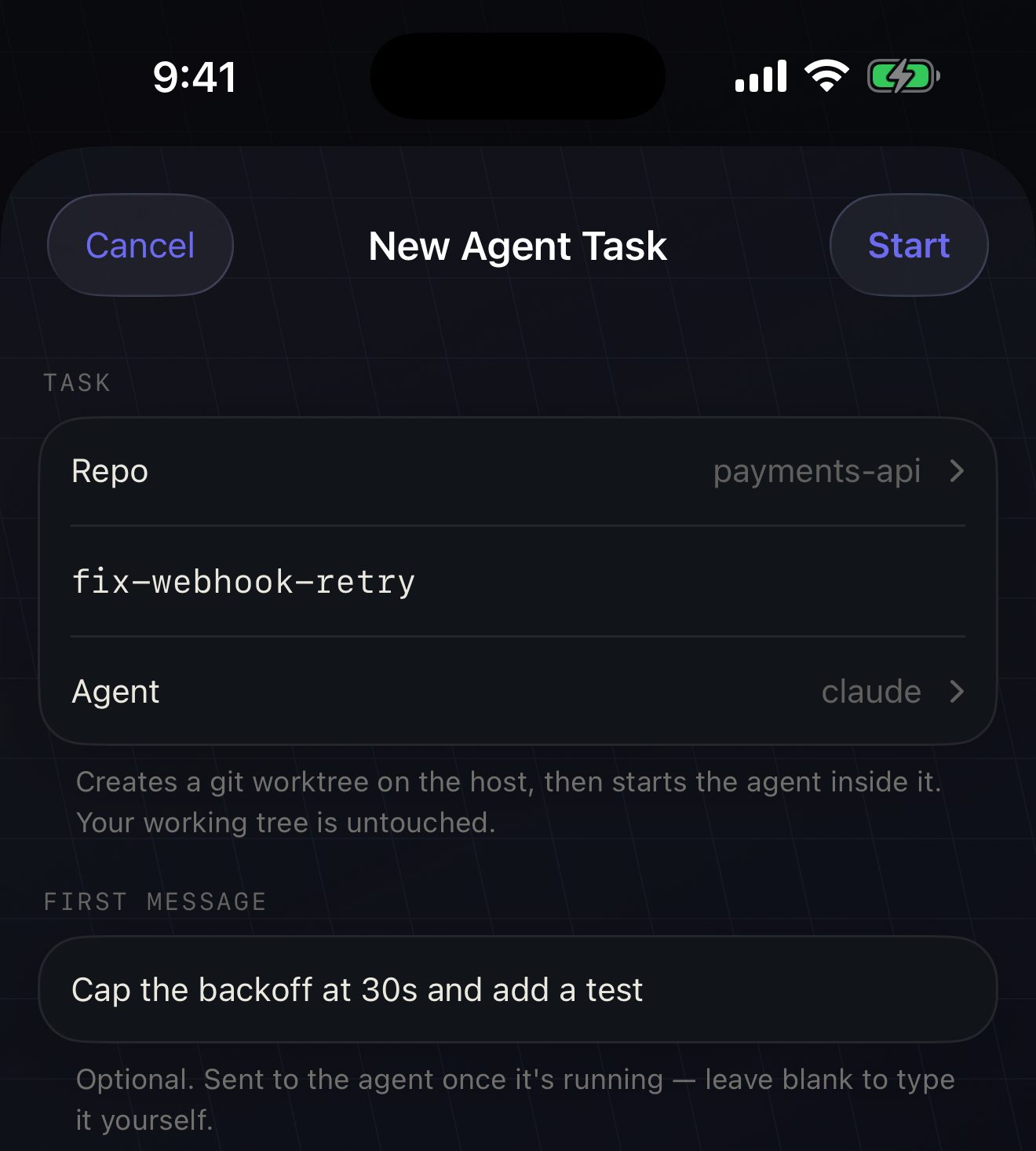
- Repo — found for you. Moshpit resolves the directories your panes are already sitting in to their repository roots, and scans your home directory for the rest. “Other…” takes a path you type.
- Branch — the new branch name. Checked against git’s rules before anything is sent, so a bad name fails instantly instead of after a round trip.
- Agent — which agent to start, from the list herdr knows how to detect.
- First message — optional. Typed into the agent once it is up, so you can hand over the job and put the phone away.
What runs on the host
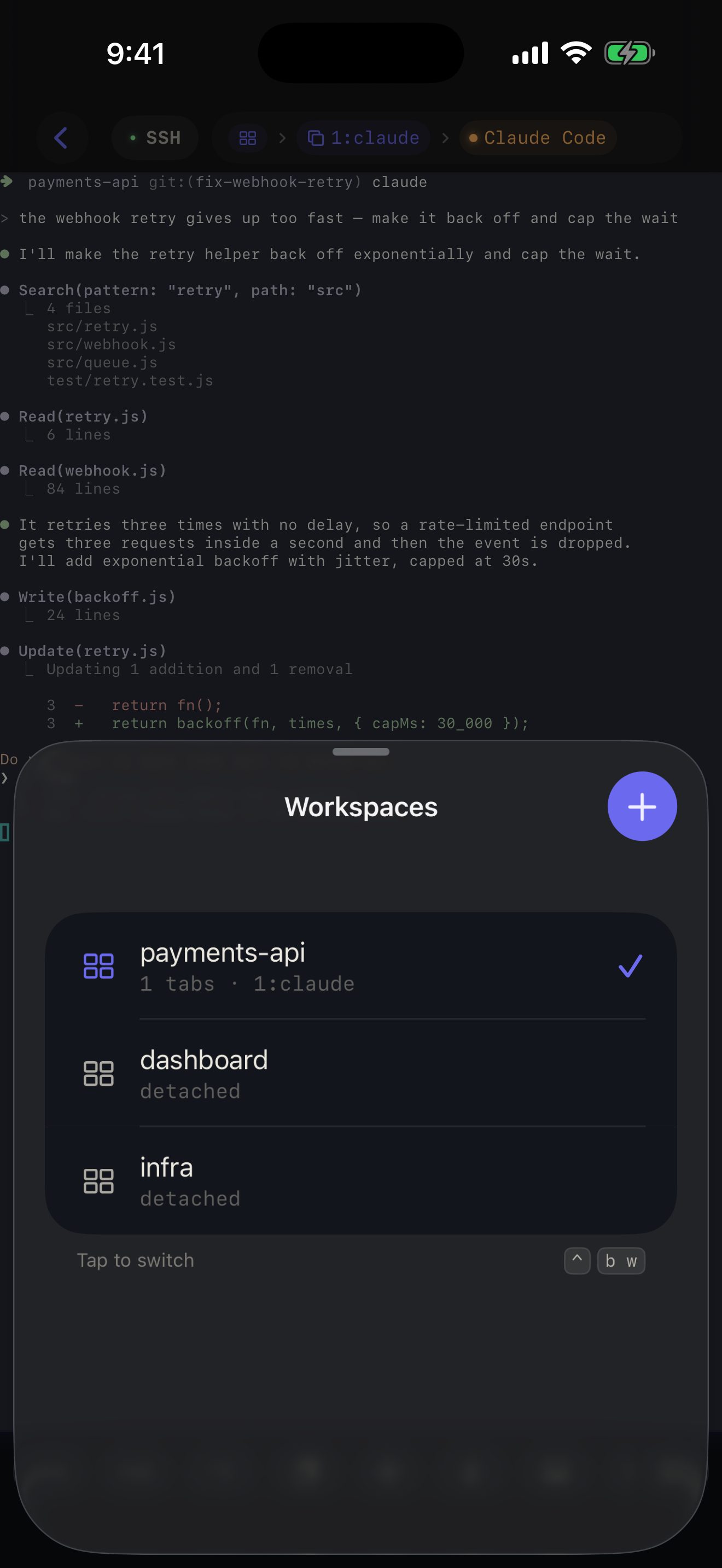
Section titled “What runs on the host”In order: a worktree create that makes the branch, the checkout and a herdr workspace whose pane is already in that directory; then the agent command typed into that pane, exactly as you would have typed it; then your first message, if you wrote one.
The checkout lands under ~/.herdr/worktrees/<repo>/<branch>, not next to your repository — your working directory is not touched at all.
Cleaning up
Section titled “Cleaning up”Long-press the workspace in the tree and choose Remove Worktree. It appears only on workspaces herdr created from a repository, because an ordinary workspace has no directory to delete.
The first attempt never forces. If the checkout has uncommitted or untracked files, herdr refuses and leaves everything intact; only then does Moshpit ask a second, sharper question — the one that says those changes exist nowhere else. That safety net is herdr’s own, and following it beats deciding for you.
Limits
Section titled “Limits”- A big repository takes a while to check out. The sheet shows progress; it has not hung.
- An existing branch name fails, with herdr’s own error shown verbatim. Pick another name.
- No custom path. Worktrees go where herdr puts them; typing a path on glass was not worth the field.
- Agent arguments are not guessed. Moshpit runs the agent’s default command. If you want flags, type them in the first message or start it yourself in a pane.