 moshpit
Using herdr
herdr is a single Rust binary. Moshpit supports it because it moves three jobs off the phone and onto the server — jobs the tmux path still does by hand.
A protocol field
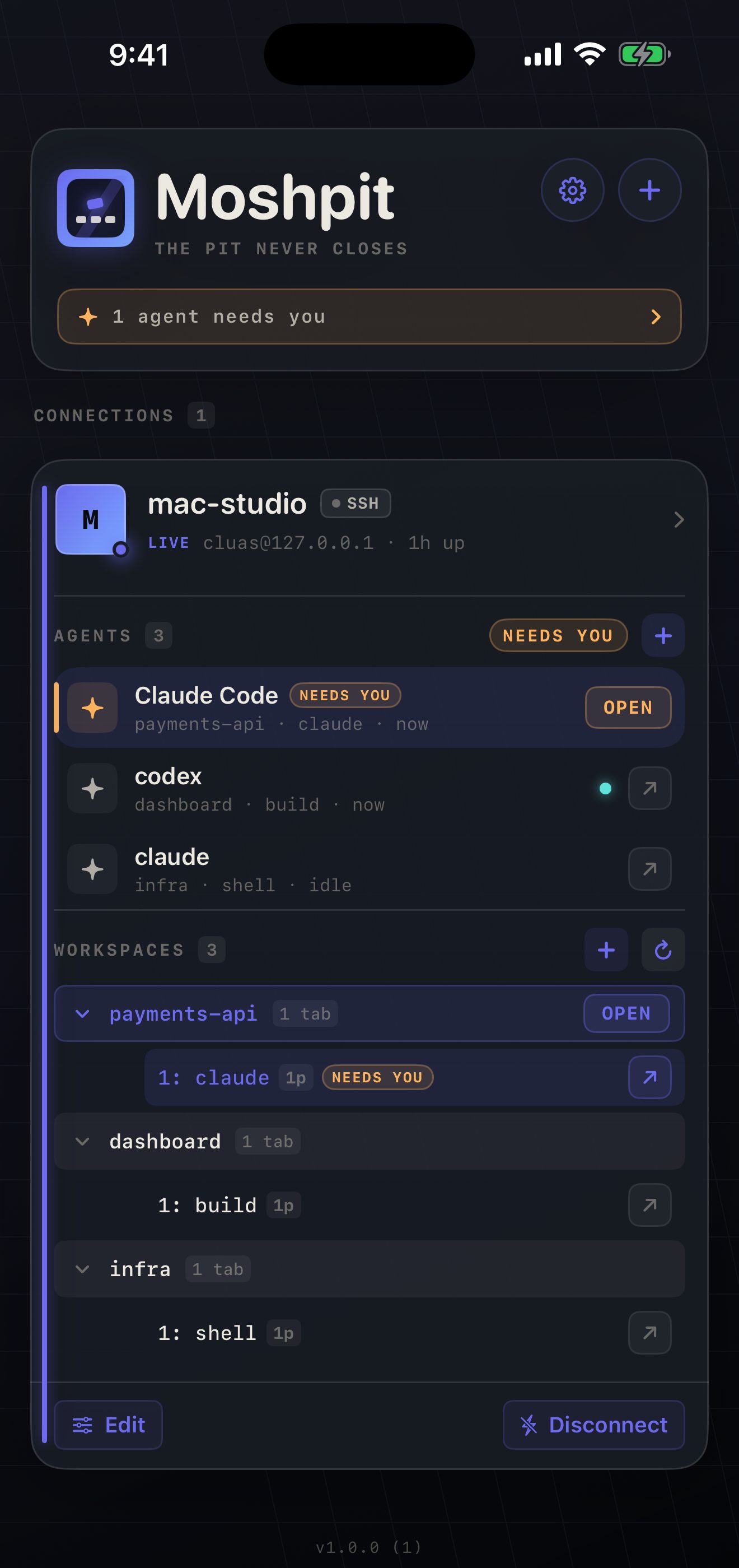
Section titled “A protocol field”Agent status. agent_status sits on every pane and rolls up pane → tab → workspace. On tmux, Moshpit needs you to install hooks that stamp @moshpit_* options.
Routed server-side
Section titled “Routed server-side”Scroll. terminal.scroll is a protocol action; herdr decides whether a swipe becomes a mouse report or scrollback. On tmux, Moshpit inspects #{mouse_any_flag} and picks.
Scoped to one pane
Section titled “Scoped to one pane”Resize. An attached client’s resize hits only its own pane’s PTY. On tmux a phone attaching shrinks the window for every client — hence Moshpit’s window-pinning machinery.
It is an alternative to tmux, not a replacement. The two are separate servers holding unrelated sessions. You pick one per connection, and Moshpit never substitutes the other — attaching tmux because herdr is missing would show you someone else’s work and call it yours.
Versions. Designed against herdr main / v0.8.0, protocol 19; verified on real hardware against 0.7.3, protocol 16 — which is what brew install herdr installed at the time. Three protocol versions apart. The decoder degrades field by field rather than failing a whole read; where 0.7.3 costs you something, this page says so.