Features / Terminal
A terminal first.
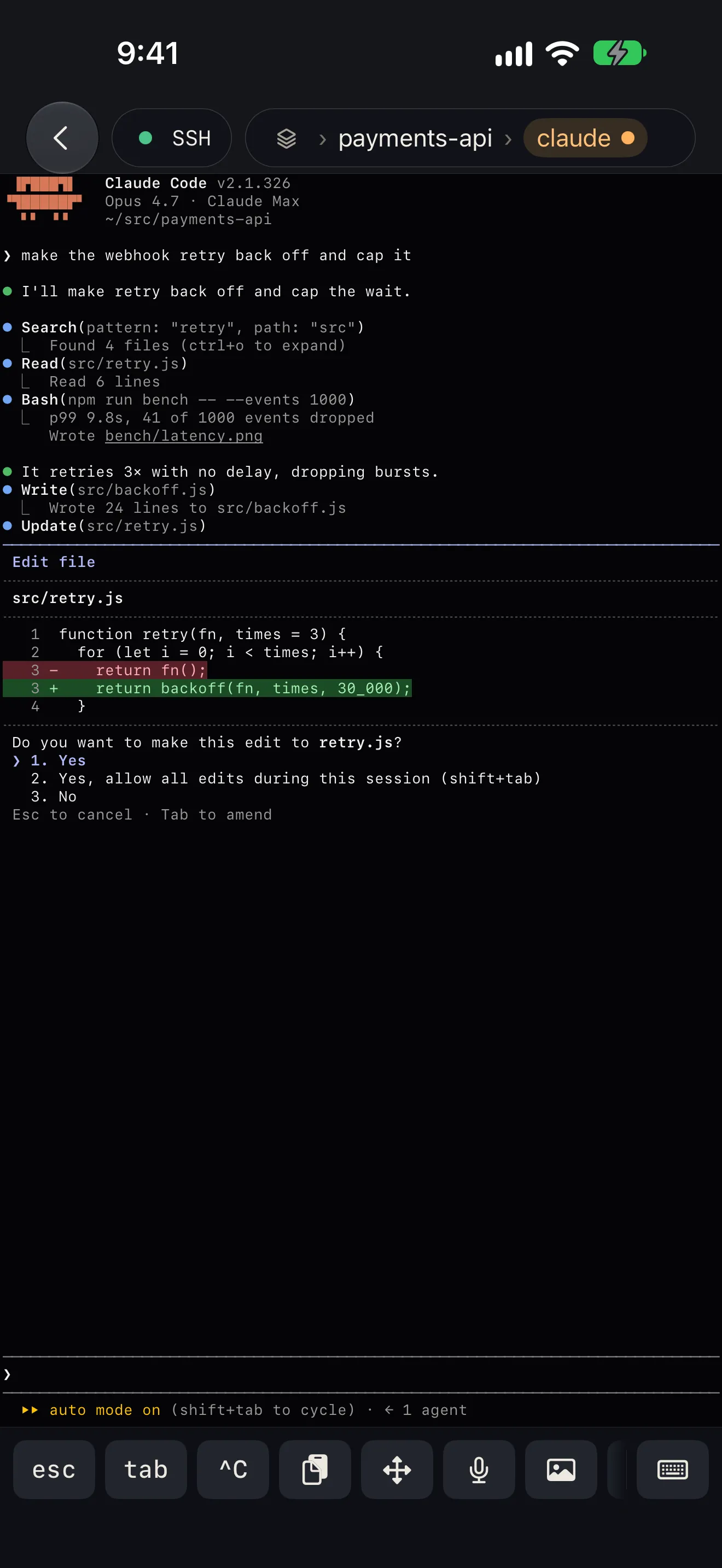
Pushes get you to the pane. What you find there has to be a terminal you can actually work in, on a 6-inch screen and a glass keyboard.
Why it’s there
Drawn with Metal
On a fork of wezterm’s terminal core: inline images (kitty, iTerm2, sixel), find in the scrollback, selection with handles, scrolling that keeps its momentum.
Typing that works
A key bar for esc, ctrl, alt and the arrows, built from a key library. IME composition for Chinese, Japanese and Korean. Tap to put the cursor where you tapped.
Says why it can’t connect
Port refused, name not found, Local Network permission off, no answer, no route: the card says which, instead of a spinner.
The details
- Links are tappable, including a long URL an agent wrapped across two lines.
- Custom themes, seven terminal fonts, an accent colour and twenty-two app icons.
- On iPad: hosts on the left, the terminal on the right, and hardware keyboard shortcuts for panes and windows.
Good to know
- Tap to place the cursor goes only to programs that asked for the mouse (Claude Code’s prompt, vim, less). A plain shell gets nothing.
- Keys and passwords live in the iOS Keychain and never travel to a new phone; Moshpit lists them so you can import them again.
More features
Notifications
The agent asks. Your phone knows.
Home and Live Activity
Who is waiting, who is working, and for how long.
tmux and herdr
See every pane. Swipe between them.
Files
Open the file your agent just made.
Agent tasks
A new task, on its own branch, from your phone.
Mosh
Walk out of the Wi-Fi. The session stays.
Voice input
Talk to your agent. The audio stays on the phone.
Jump host
Jump hosts, the way ssh ‑J does it.
Privacy and source
Paid once. Nothing collected. Source open.
Companion